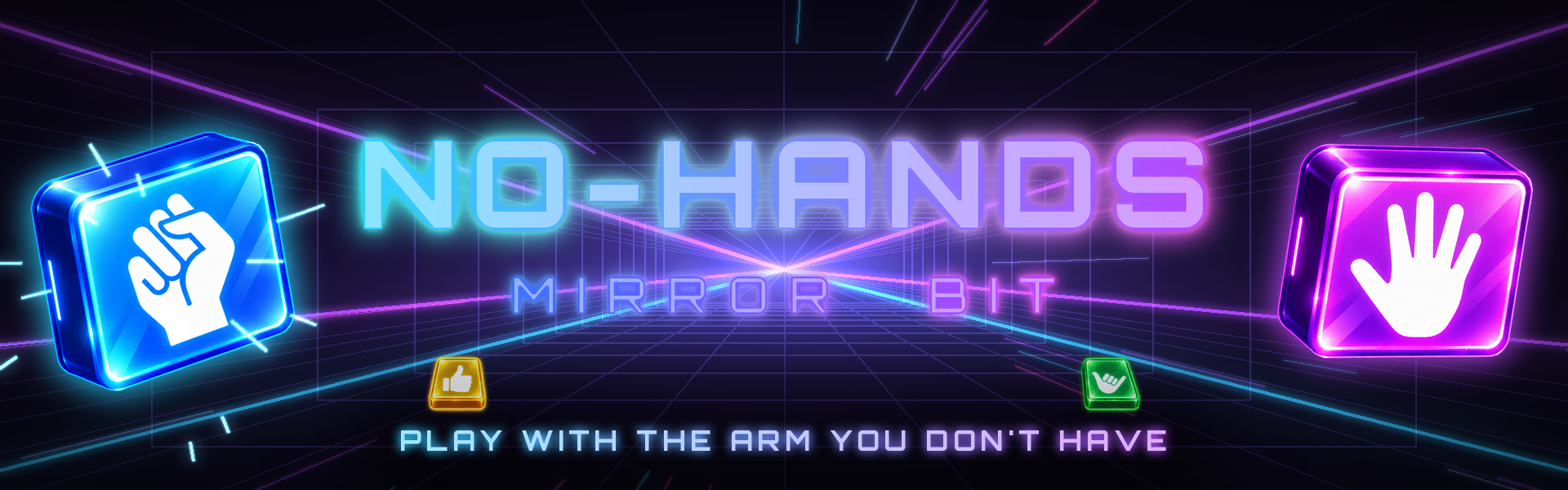
Mirror Bit
A downloadable game for Windows
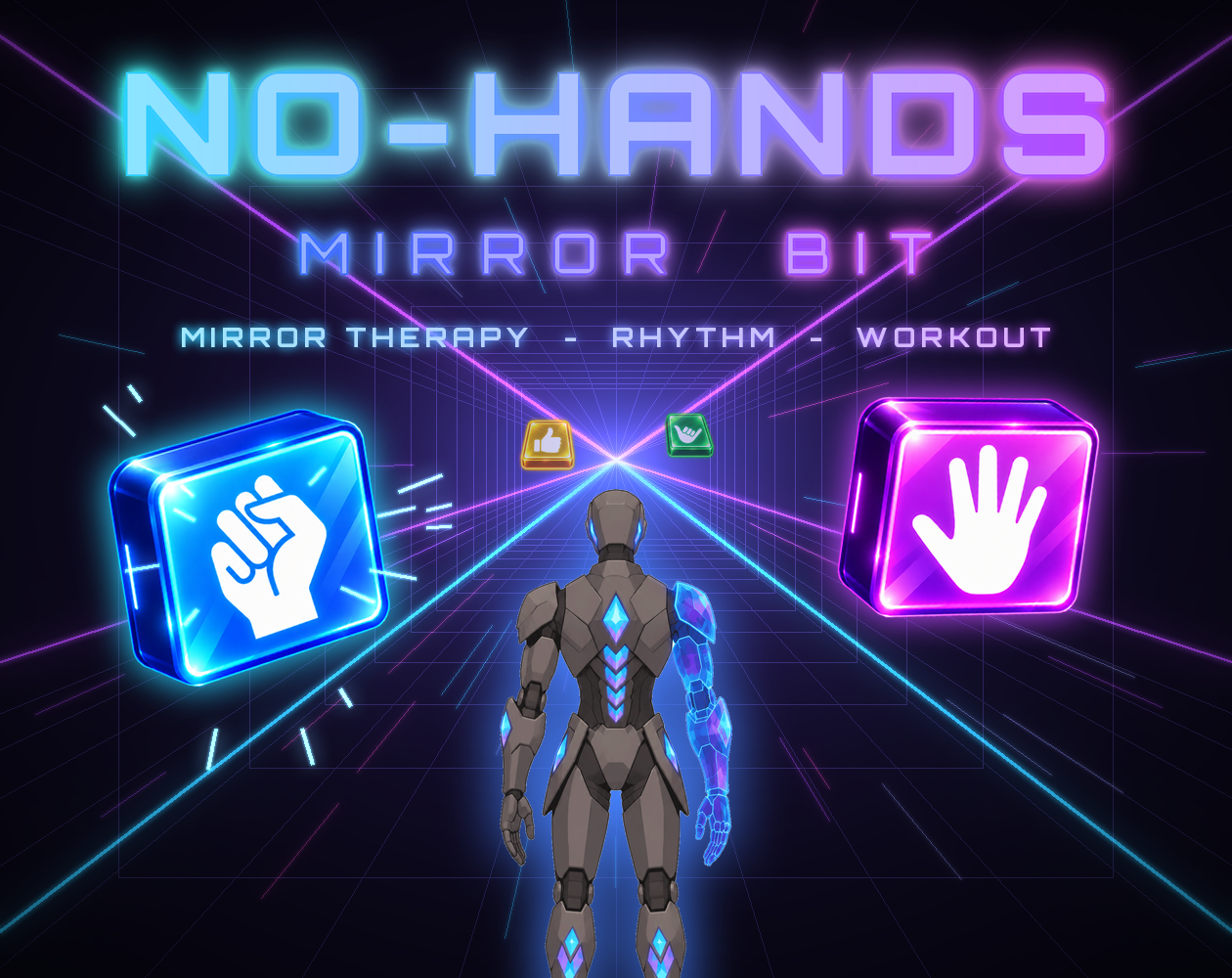
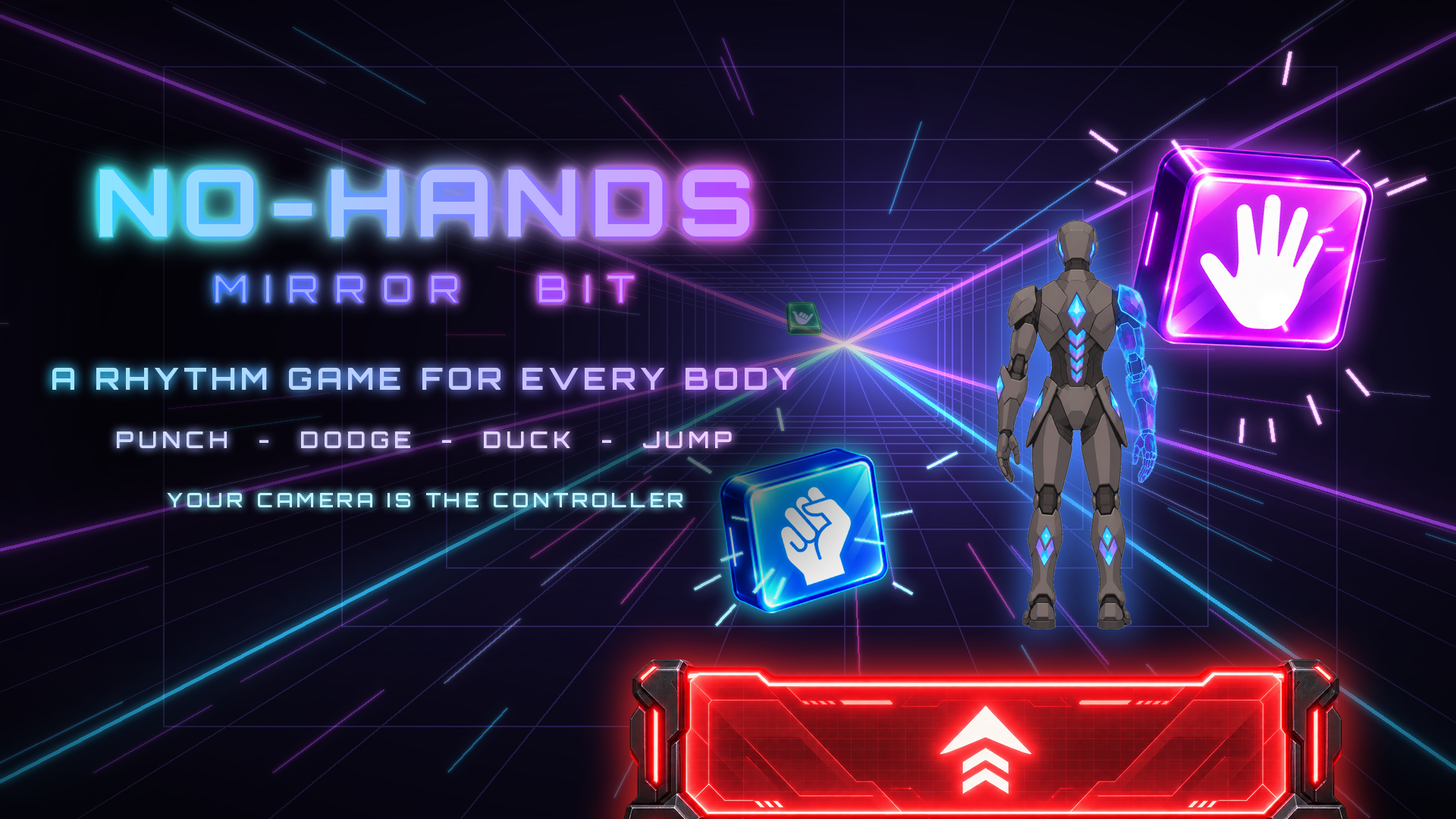
Mirror Bit is a webcam rhythm game built for players who have one arm.
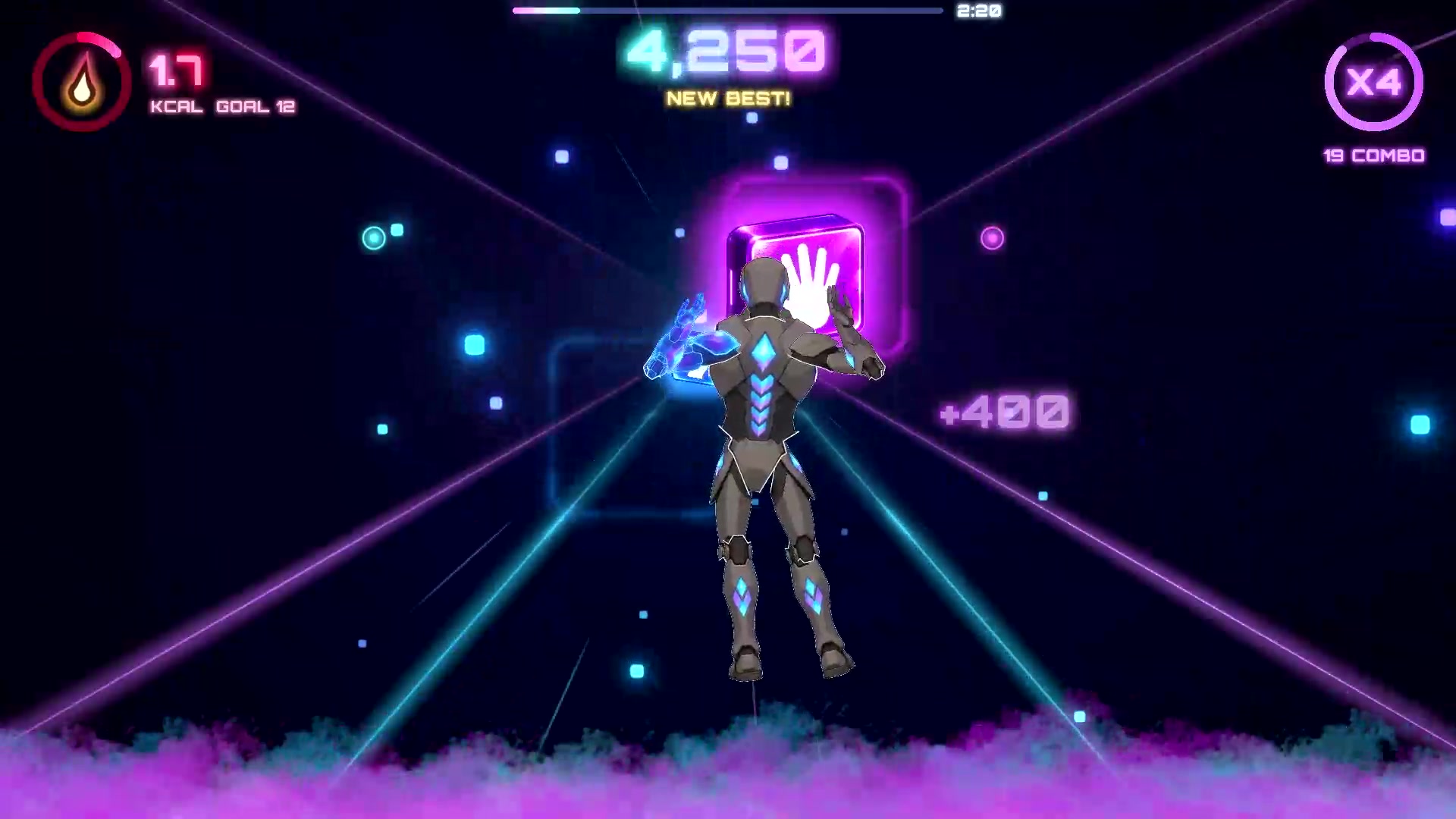
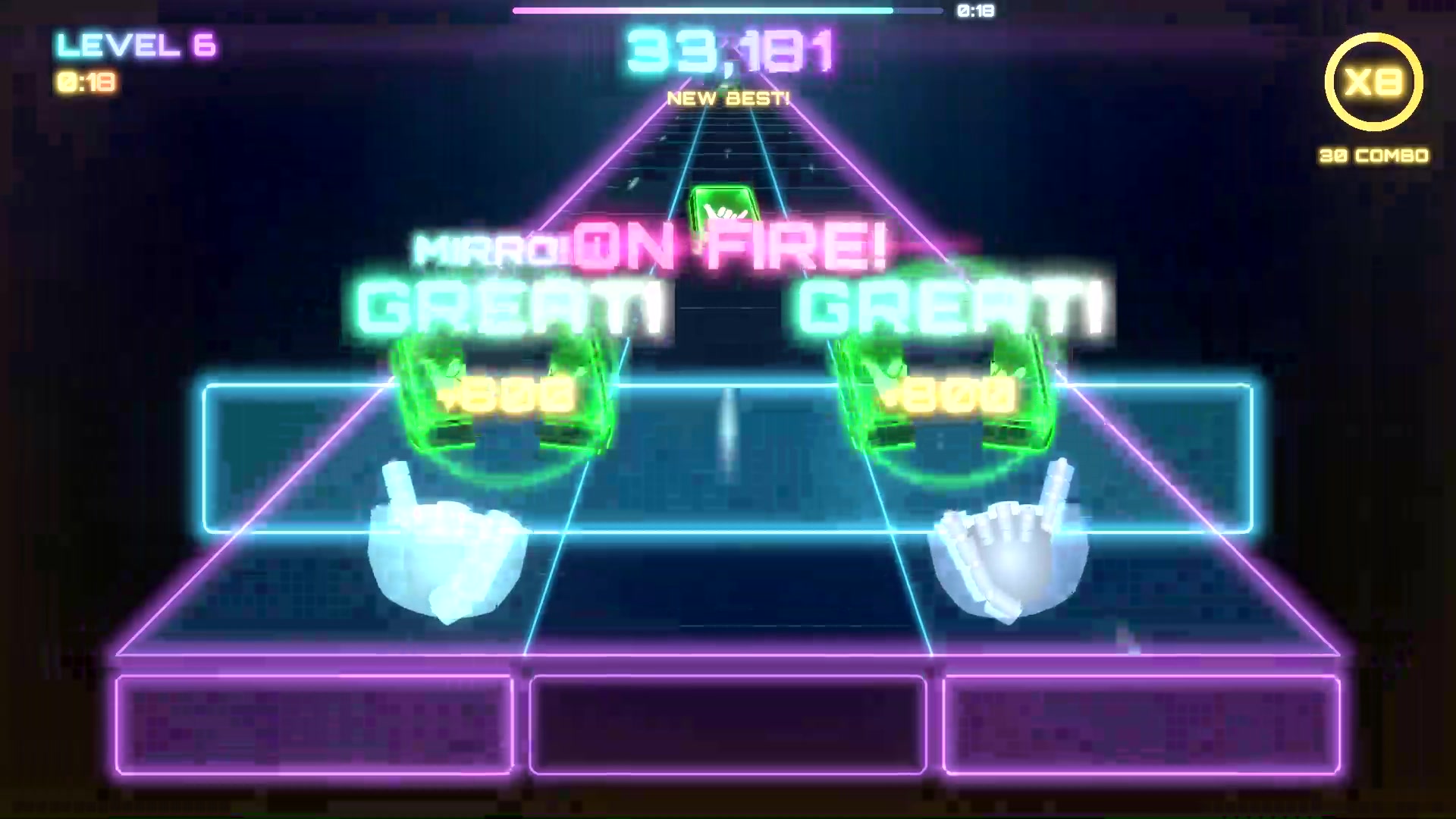
Your camera tracks your body, and the game mirrors your real arm into a glowing hologram arm on the other side, so you get to punch, dodge and play with both.
It's mirror therapy, a technique used in rehabilitation, turned into an arcade workout.
No controller. No keyboard. Just you.
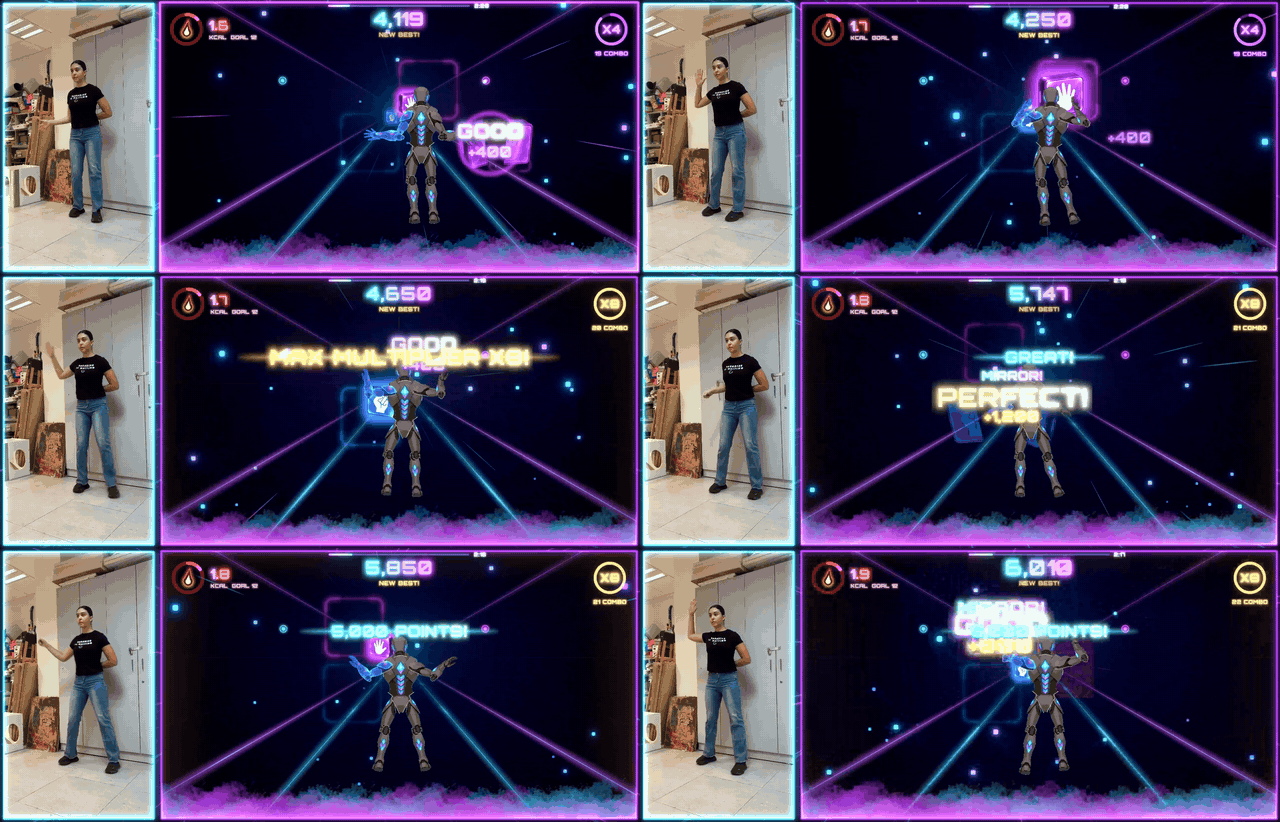
Real player, real gameplay: one arm behind her back, the mirror arm does the rest.


Stand up and move to the music.
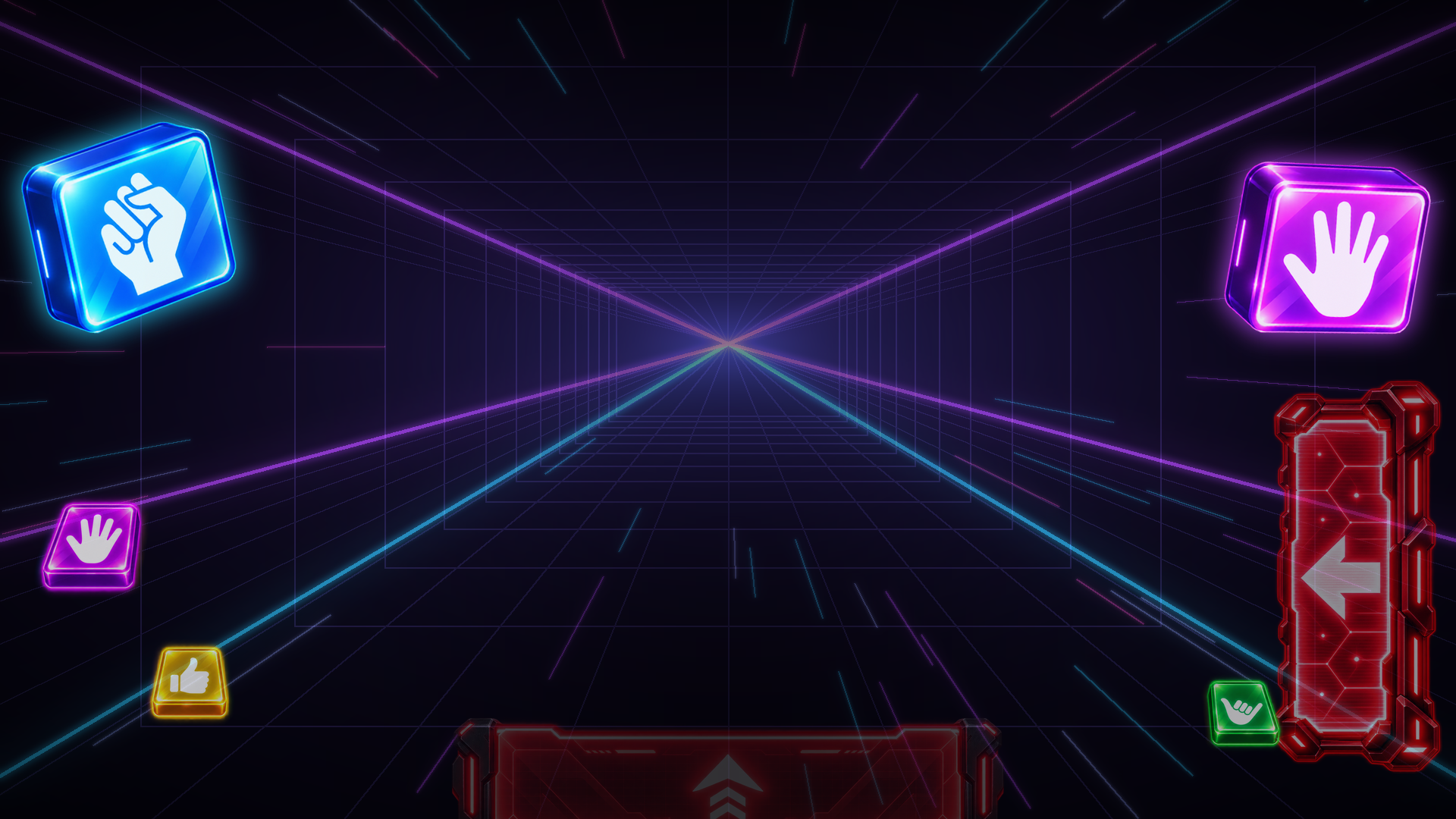
- 👊 Punch the blocks on the beat: blue blocks need a fist, purple ones an open hand
- 🪞 Your mirror arm hits too: every move of your real arm is copied to the other side
- 🧱 Dodge, duck and jump over the red walls, and it gets harder in the chorus
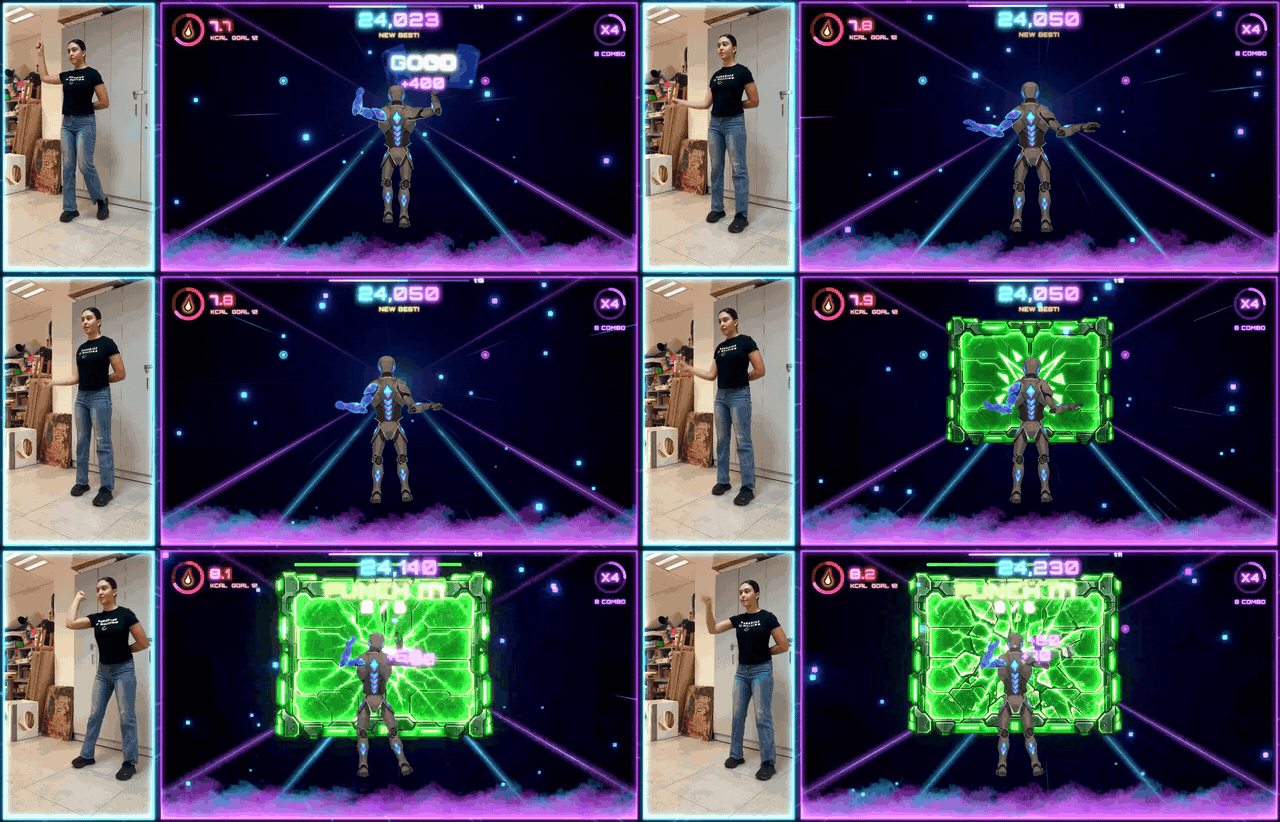
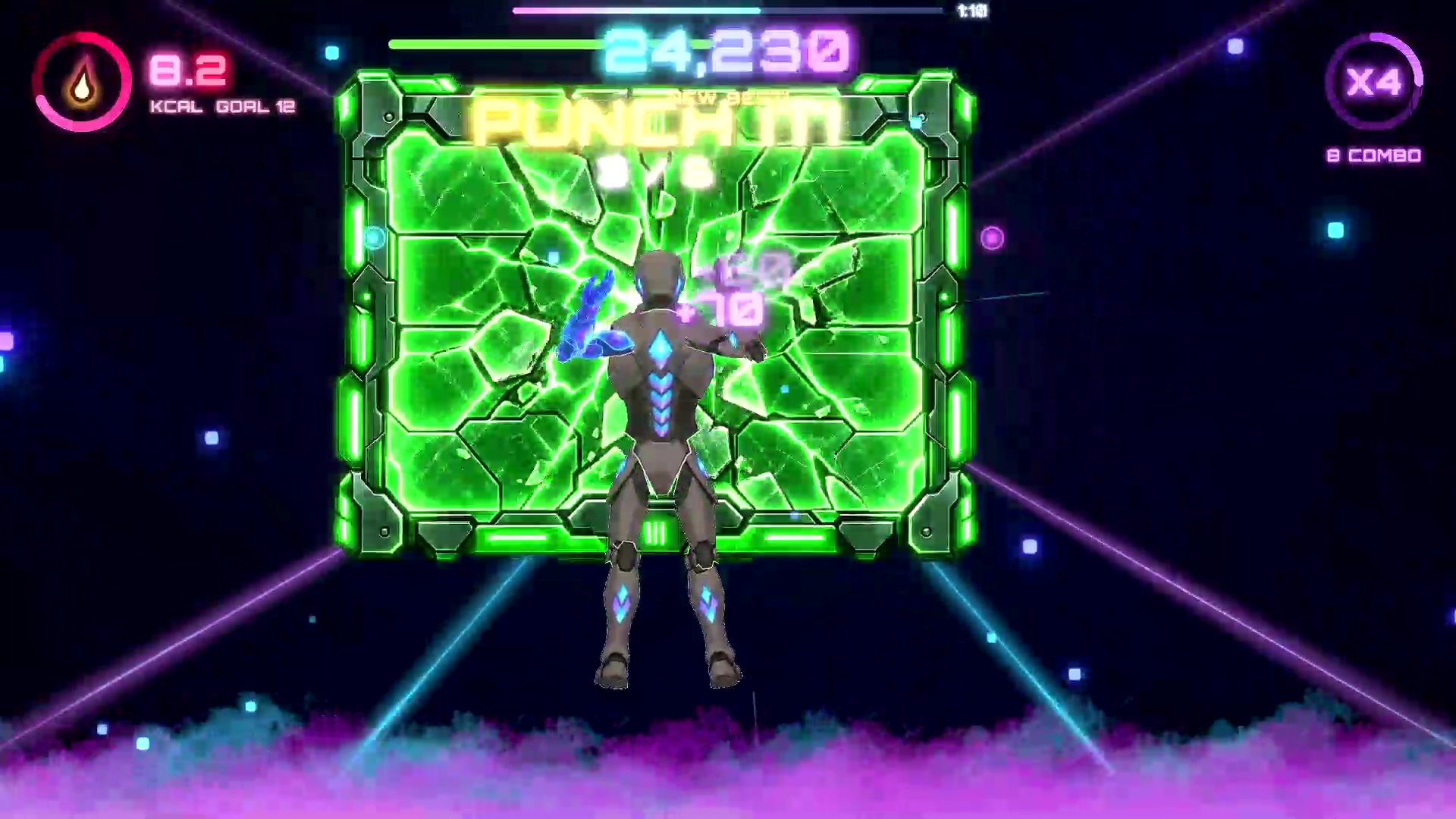
- 💥 Smash the green wall with a flurry of punches before time runs out
- 🔥 A real workout: a live calorie counter and goal on screen

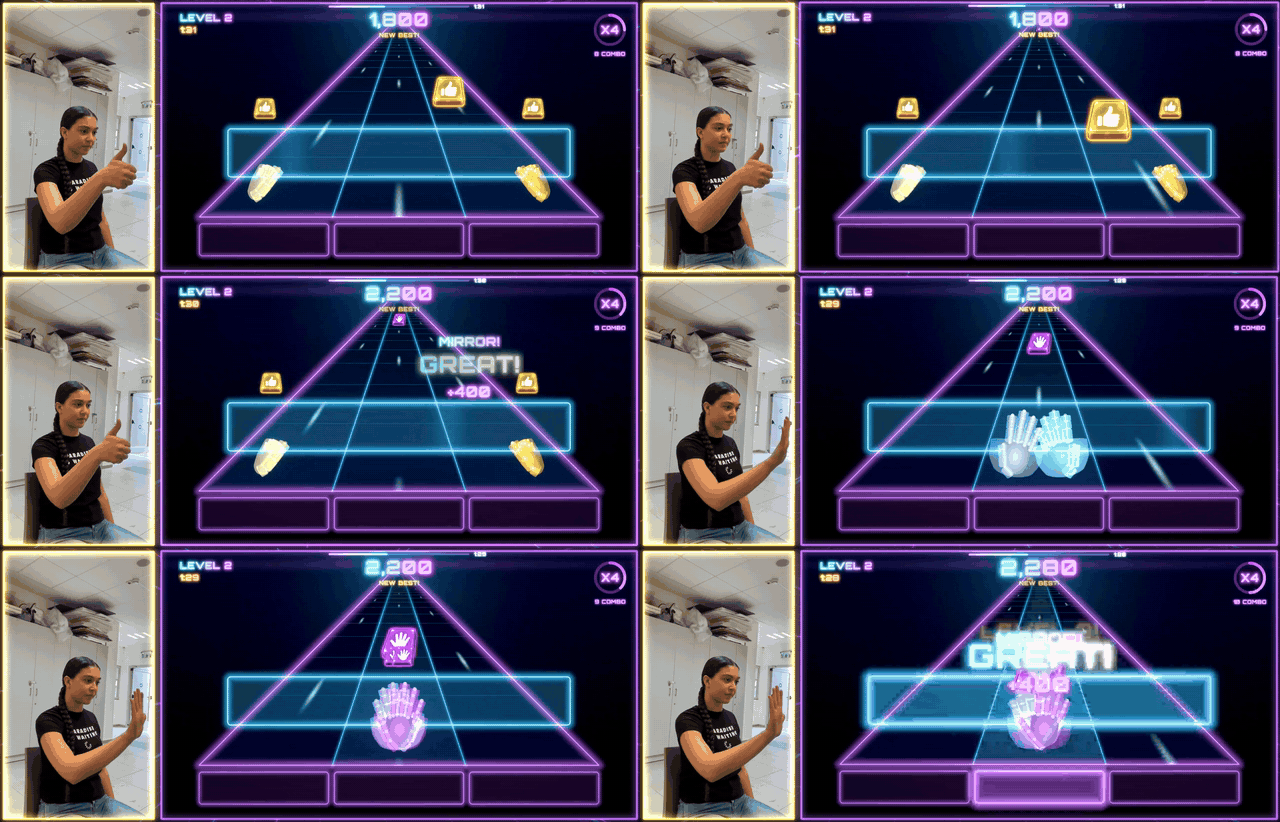
Hands on the table: mirror therapy you can play.
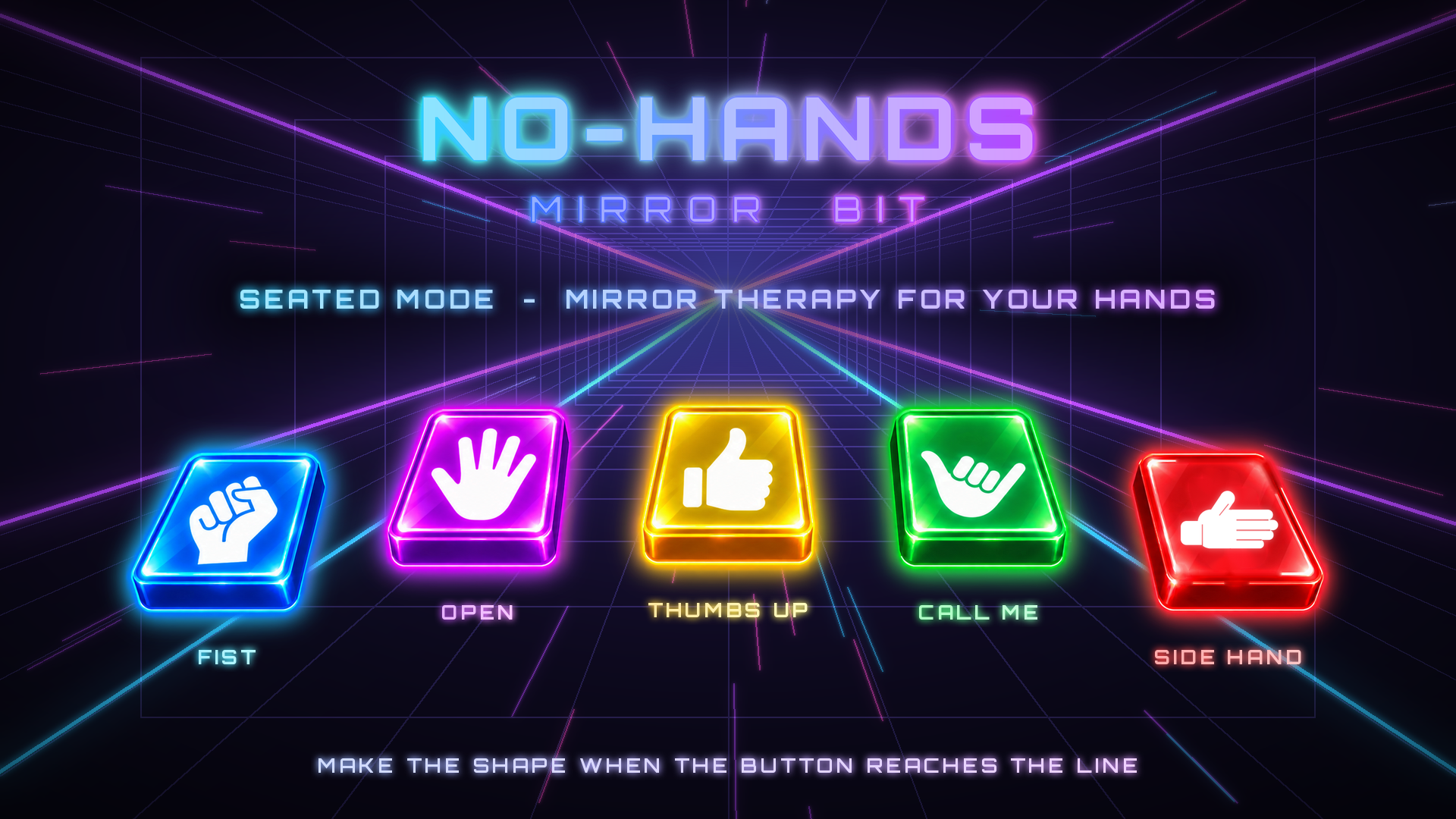
- ✋ 5 hand shapes: fist, open hand, thumbs up, call me and side hand
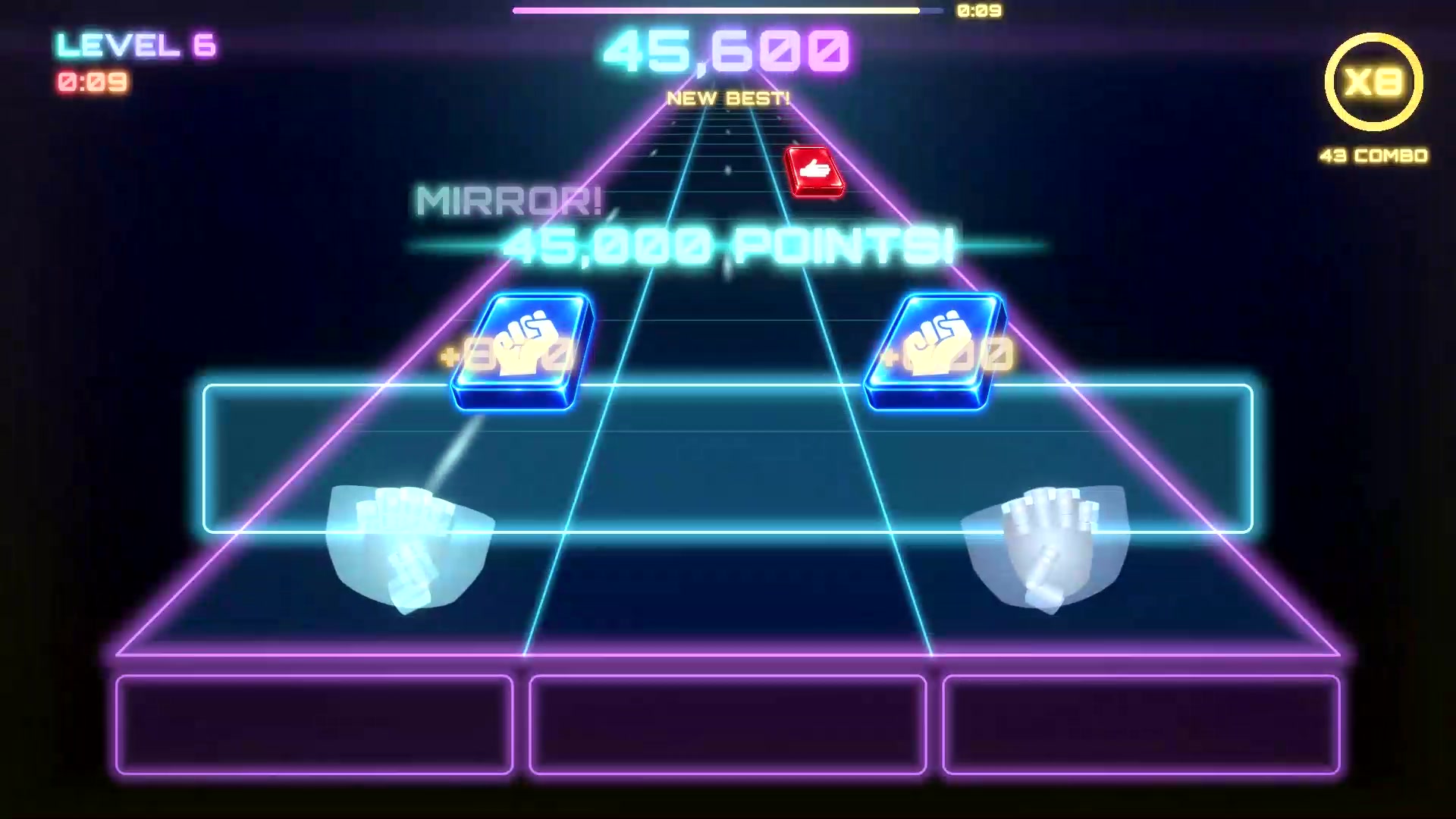
- 🎯 Make the shape when the button reaches the glowing line
- 🪞 The mirror hand copies yours, standing in for the hand you don't have
- 🧠 The game learns your hand at the start, and the levels speed up as you get better

- Pick your missing arm: left, right, or play with both arms
- Find-your-spot camera guide and a quick practice round before every mode
- PERFECT / GREAT / GOOD timing, combos and multipliers up to x8
- Results screen with your grade, records and daily progress
- Pause, settings and volume, plus an option to turn jump walls off
- Original soundtrack composed for the game by a real human musician

- Download Mirror BIT.zip, unzip it and run the game (Windows).
- You need a webcam: a laptop camera works. Nothing else to install.
- Sport mode: step back until your whole body is in the picture. The game shows you where to stand.
- Seated mode: sit at a table with your hand in front of the camera.
- Choose by holding your hand on a sign, and play!

- Your body and your hand: everything in the game
- Hold your hand on a sign (or click it): choose in the menus
- Esc / P: pause
- Space: skip the practice round / play again
- M: back to the menu from the results
- R: restart the camera tracking (in the menu)
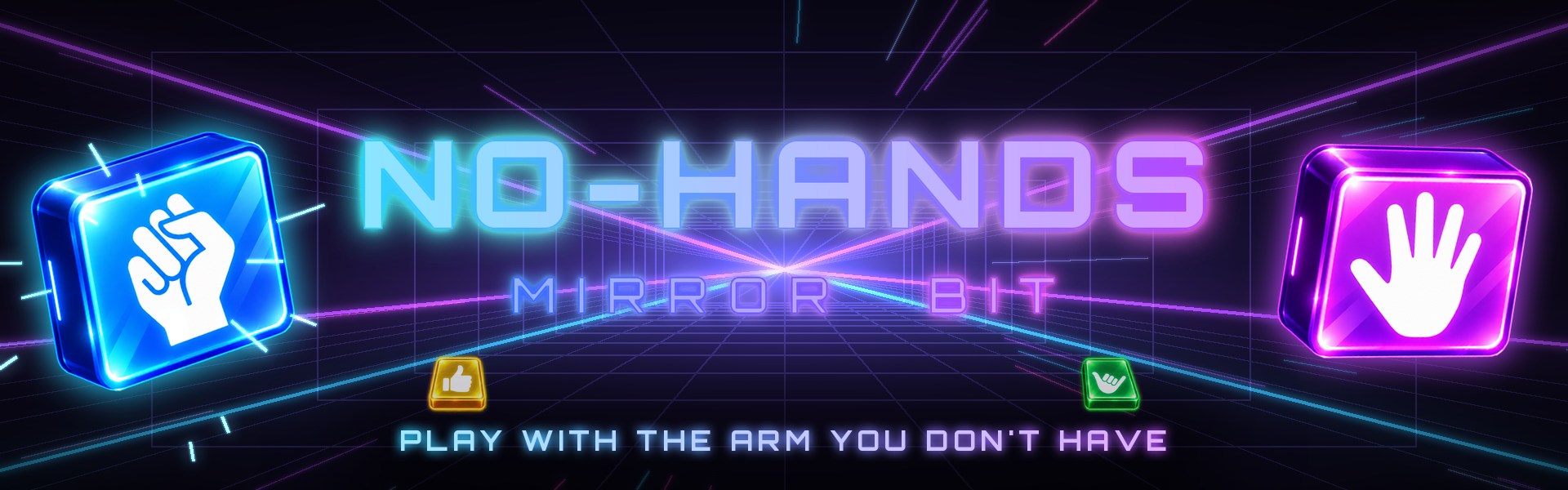
PLAY WITH THE ARM YOU DON'T HAVE.
Made by a student team for a computer science game jam.
Download
Install instructions
Windows: unzip Mirror BIT.zip and run the game. Nothing else to install.
You need a webcam (a laptop camera works).
Sport mode: step back until your whole body is in the picture.
Seated mode: sit at a table with your hand in front of the camera.
Leave a comment
Log in with itch.io to leave a comment.